How it works
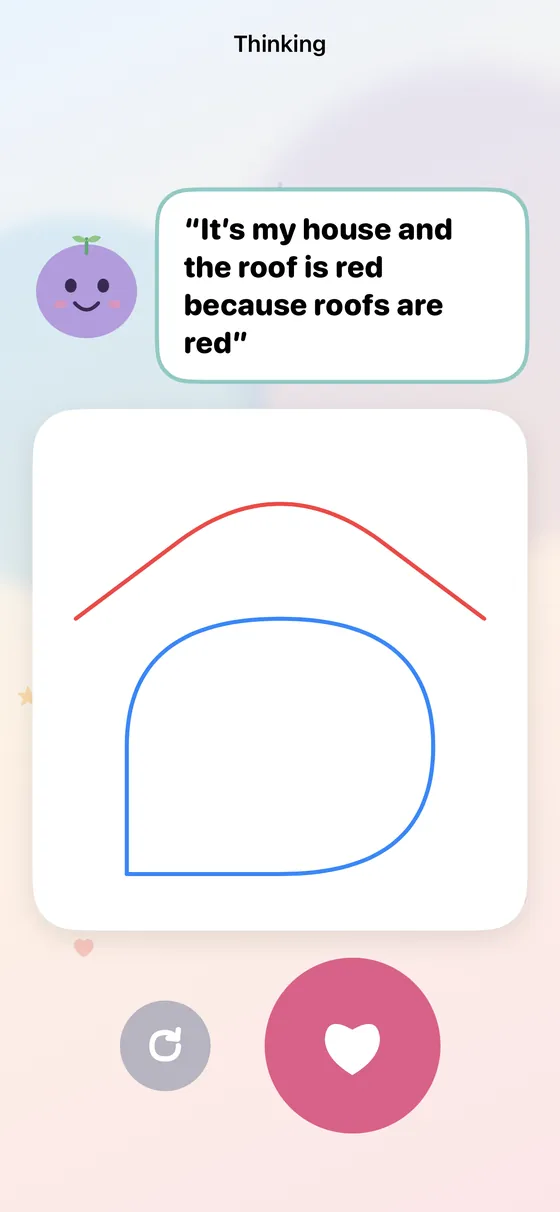
- Draw. Your child draws anything on the canvas and taps the tick.
- Tell Anvi. Anvi asks what they made. They answer out loud, and the words appear as they talk.
- Keep it. Anvi reads their words back. The heart keeps it; nothing is saved without it.
Private by design
Thinking is off until you turn it on, behind your parent PIN. Speech becomes text on the device itself: no audio is recorded or kept, and your child's words never leave it. You can read or delete every entry in the parent area.